1
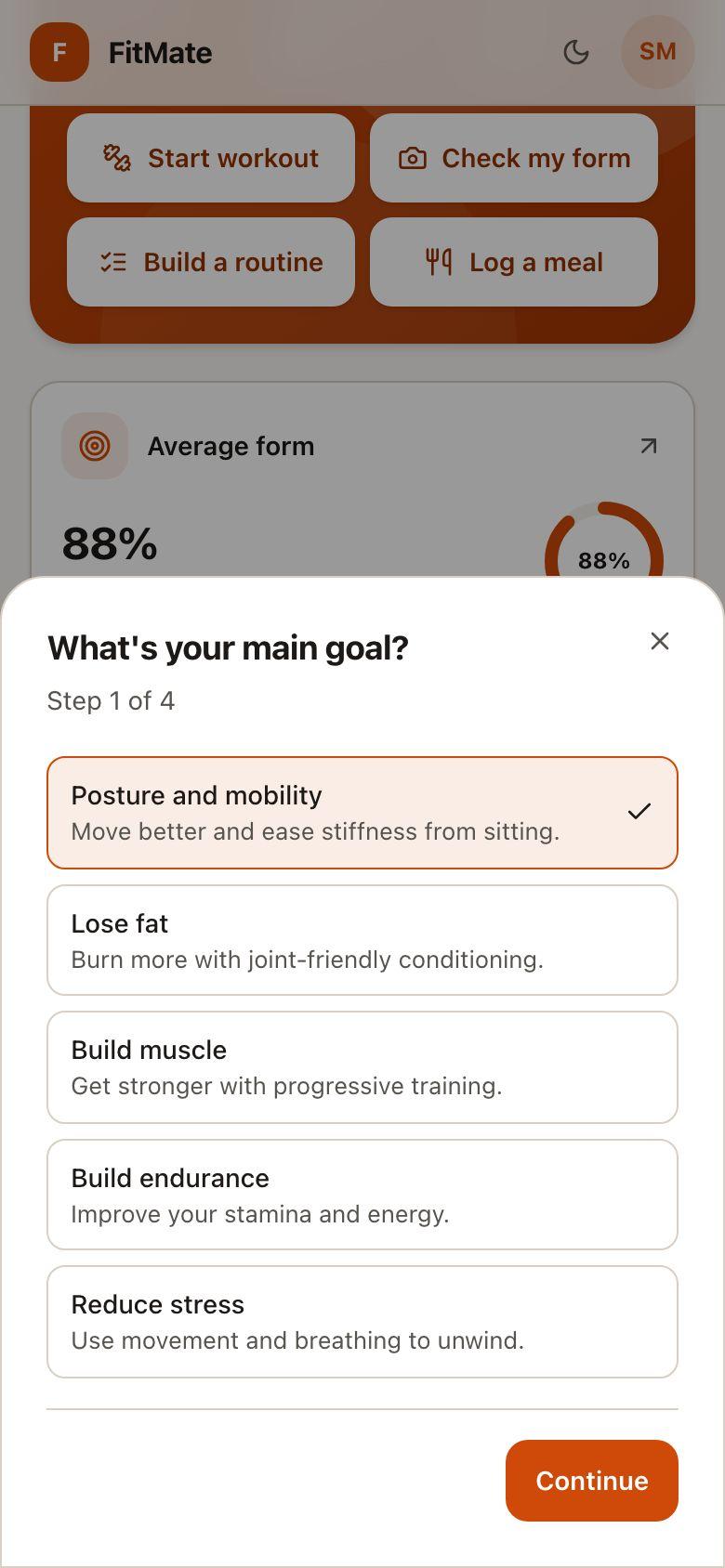
Tell FitMate about you
Your goal, your equipment and anything that hurts. It takes about two minutes.
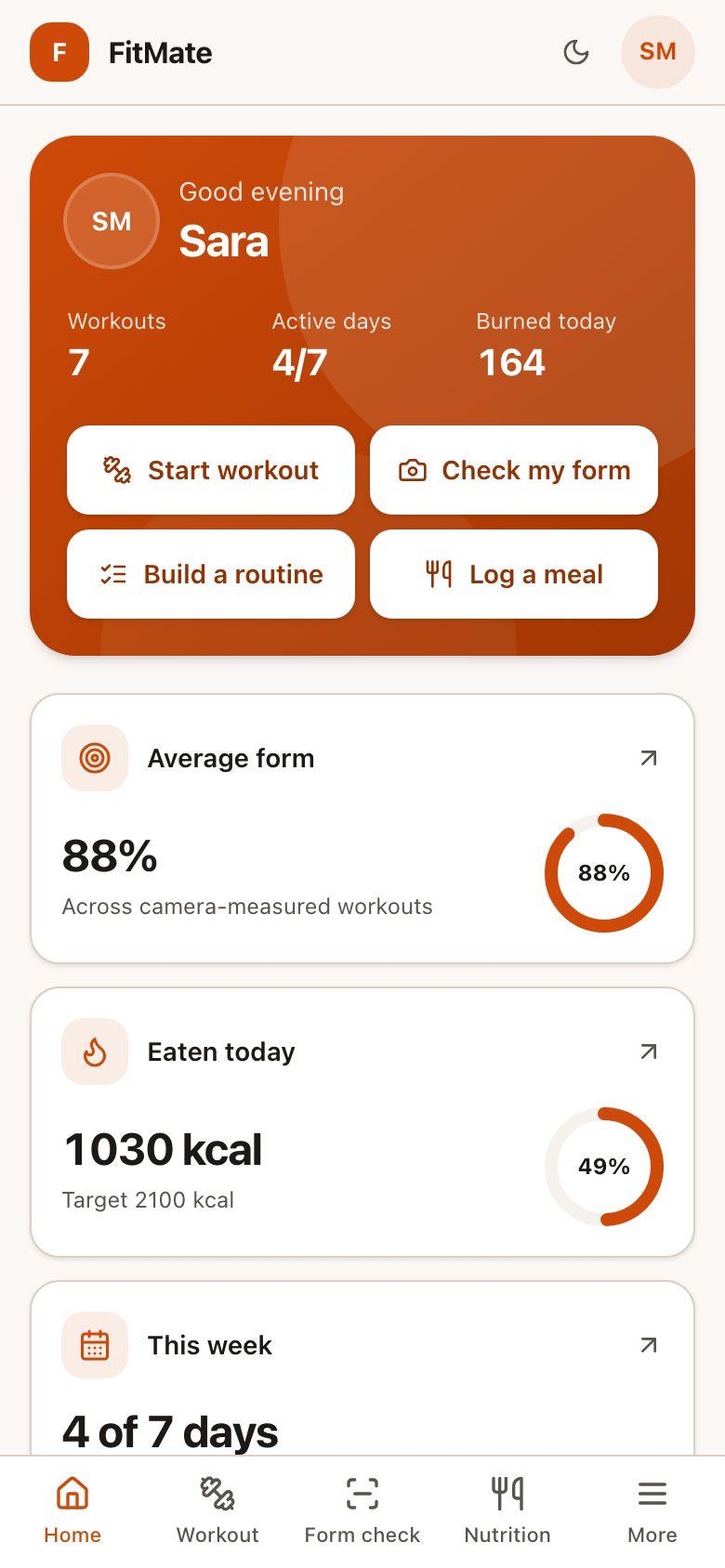
Workouts built around your equipment and injuries, with your form checked as you move.
Form check
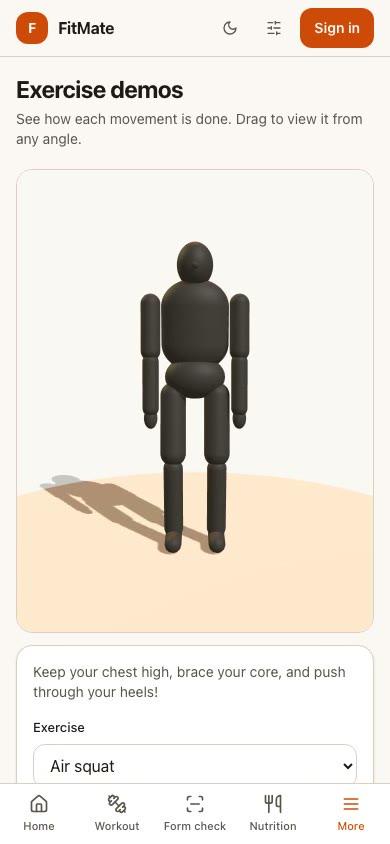
FitMate tracks your joints as you move, counts only complete reps, and tells you what to fix. Keep scrolling to try a squat.
Knee angle
169°
Complete reps
0
Drive through your heels
Illustration, moved by your scrolling. The app measures your real movement.
How it works
1
Your goal, your equipment and anything that hurts. It takes about two minutes.
2
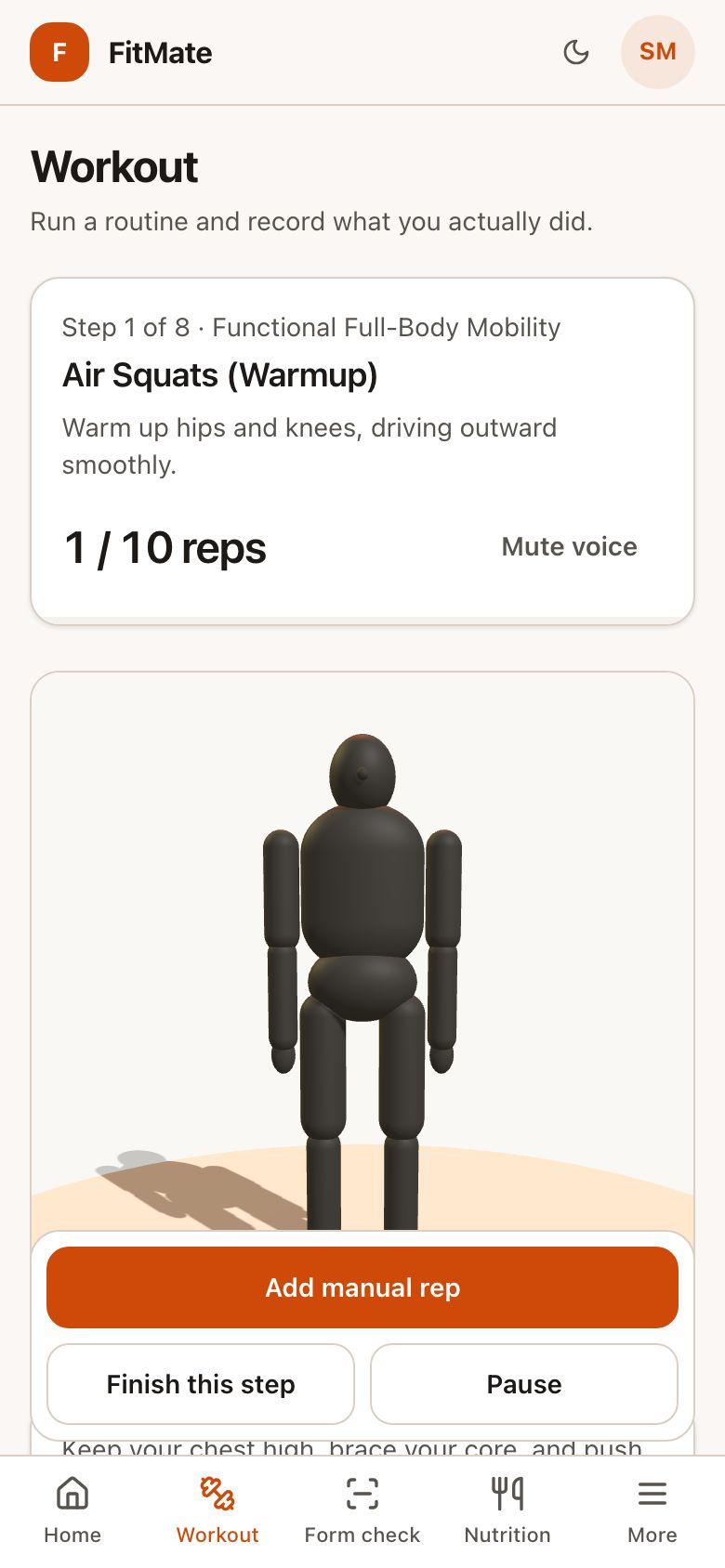
One step at a time, with rest timers, cues and every rep counted.
3
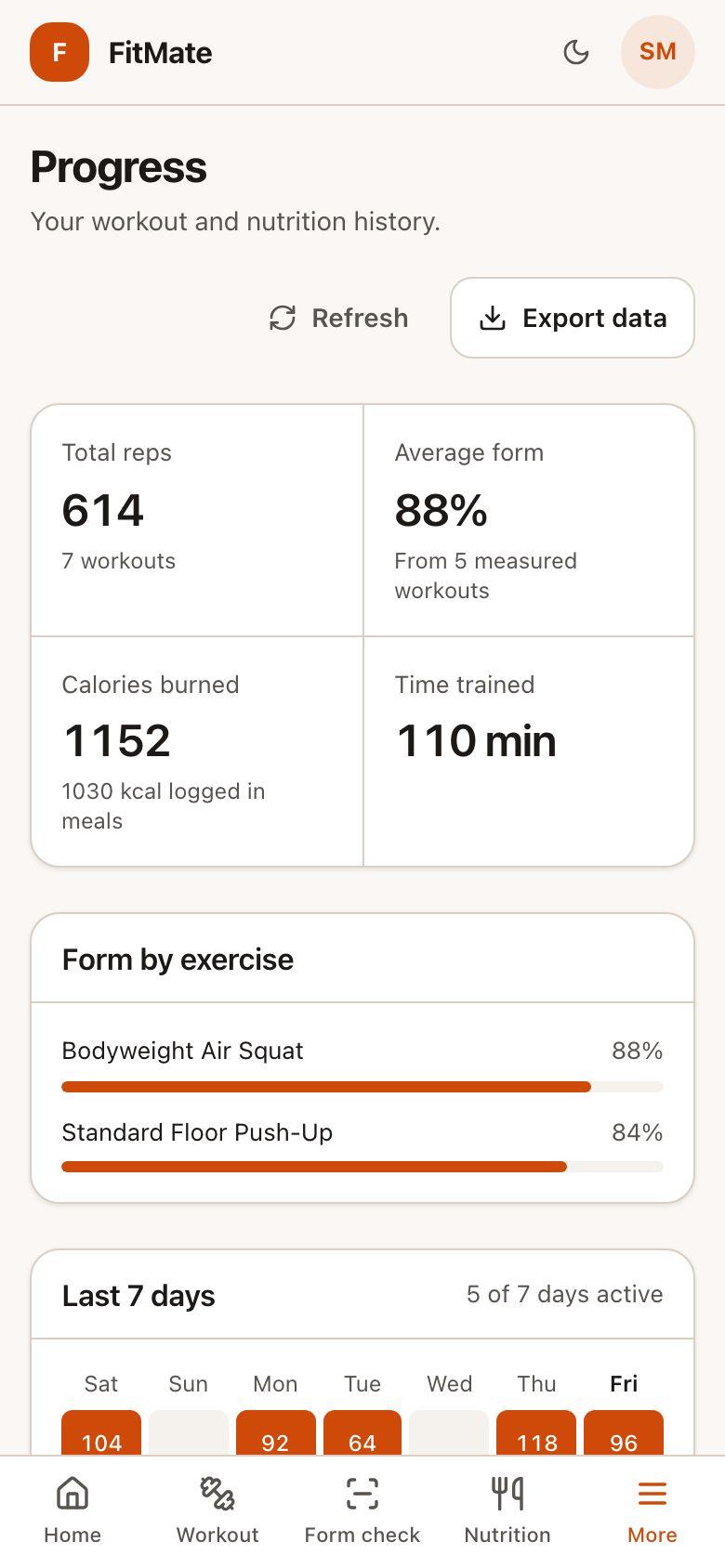
Your history builds on its own, from workouts you actually finished.
Works with what you have
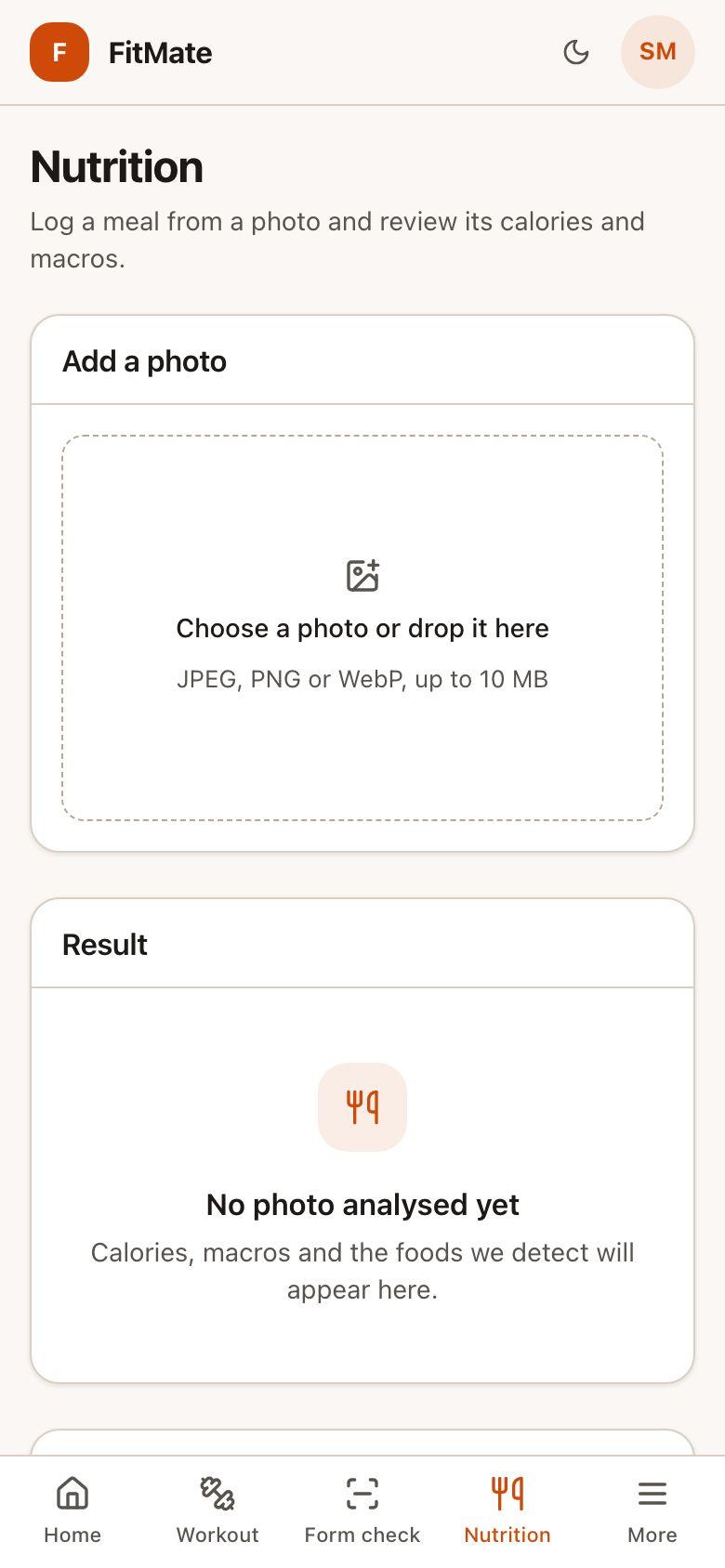
No gym and no gear? Start with nothing at all, or use what's around you. Tap what you have and what hurts. This is the real FitMate exercise catalog.
Loading exercises…
Posture
Tech neck and a stiff back build up slowly. Find out where you stand, then work on it a little at a time. It's a guide to your habits, not a medical assessment.
Plan
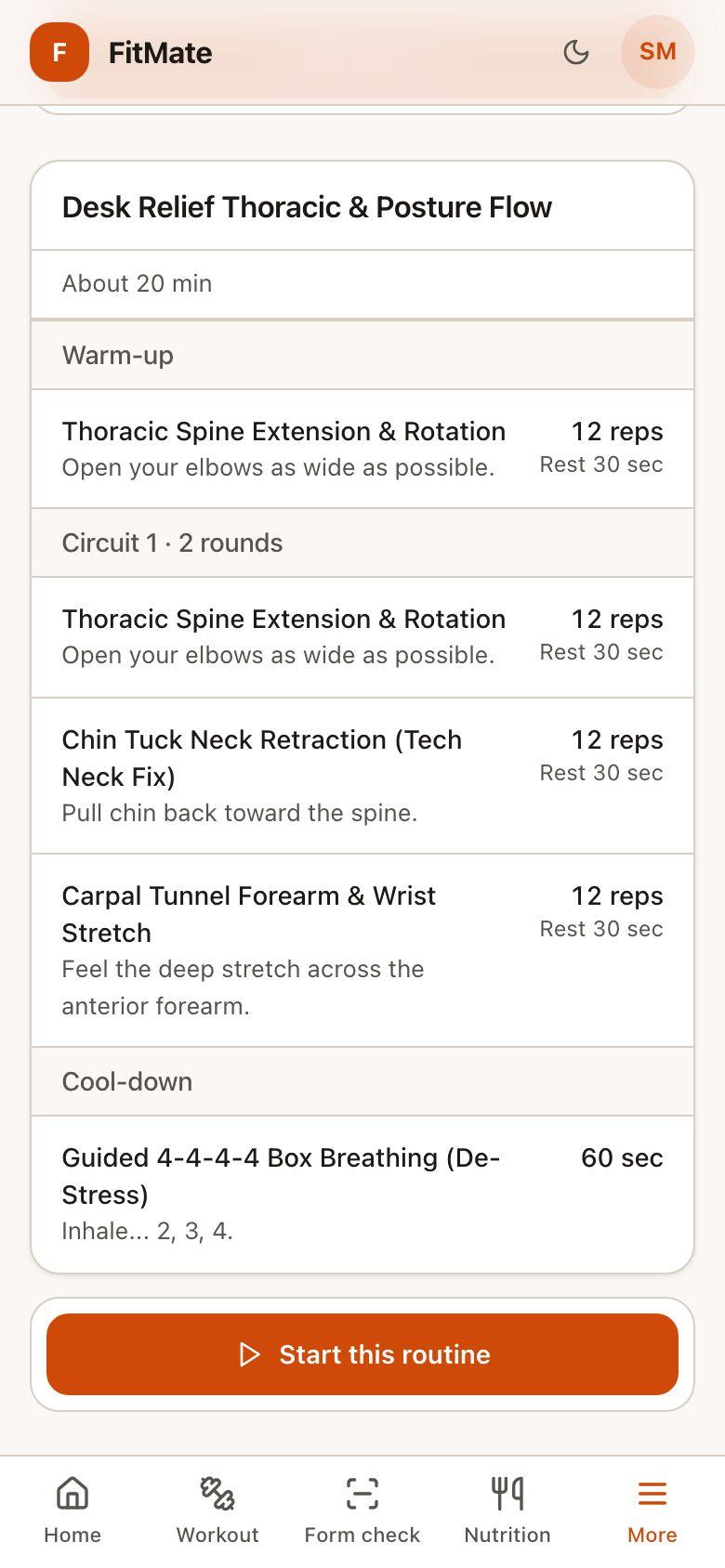
Pick your focus and time. FitMate only chooses exercises that suit your equipment and avoid your injuries.
Recovery
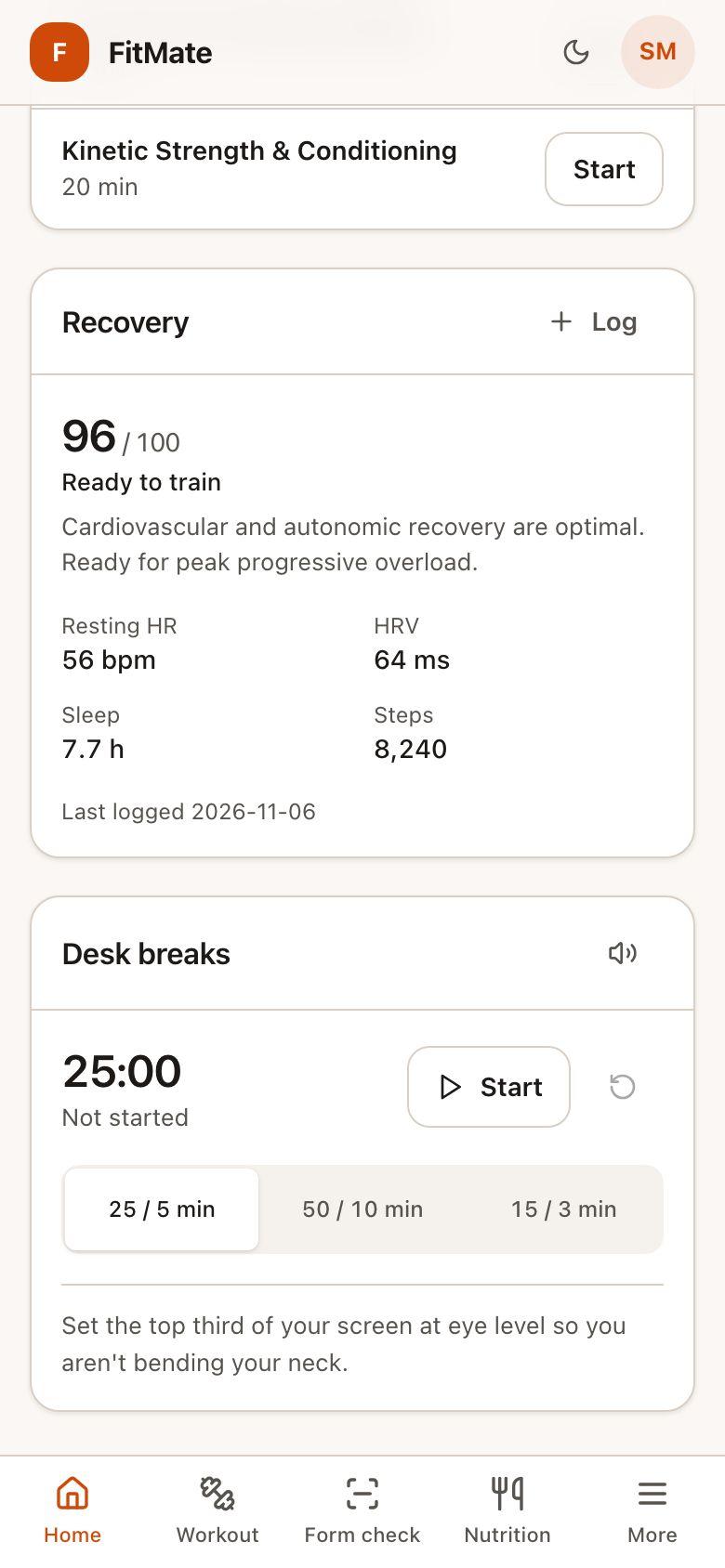
Log your sleep and heart rate, and FitMate gives you a recovery score. Move the sliders to see the real calculation at work.
80
Ready to train
A good day to push your normal workout.
Private by design
Your camera video never leaves your device. Pose tracking runs right here on your phone, and only your workout results are saved to your account.
And more
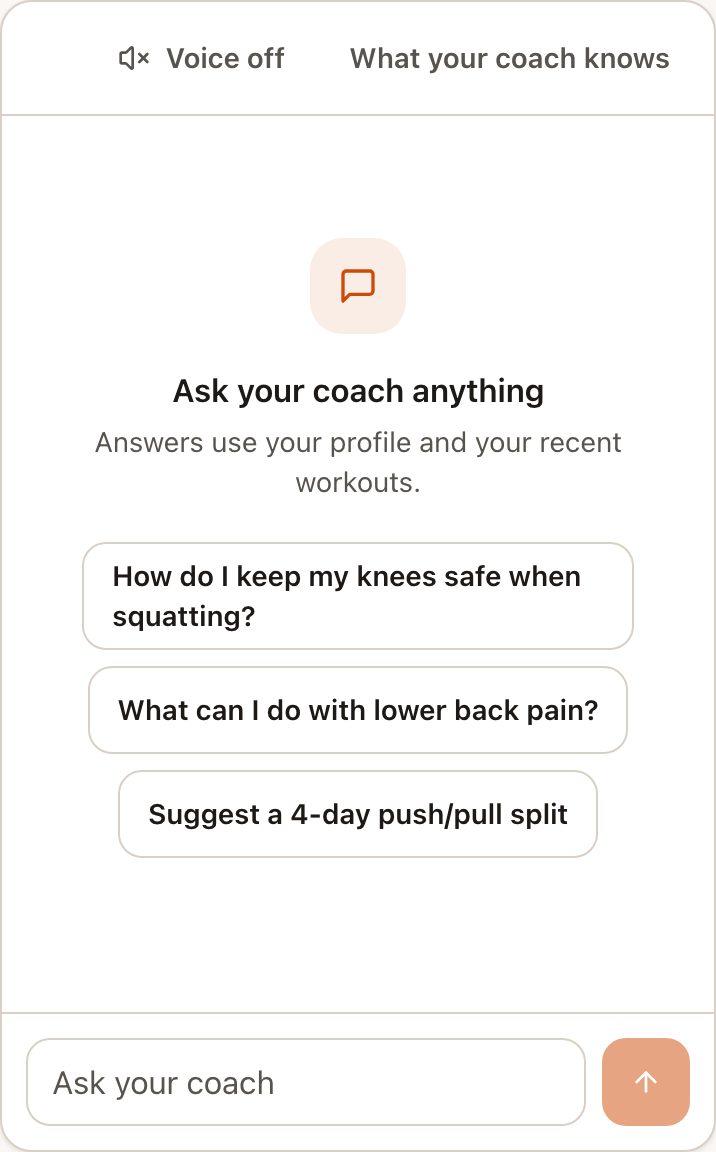
An AI coach that answers using your goals, injuries and recent workouts.
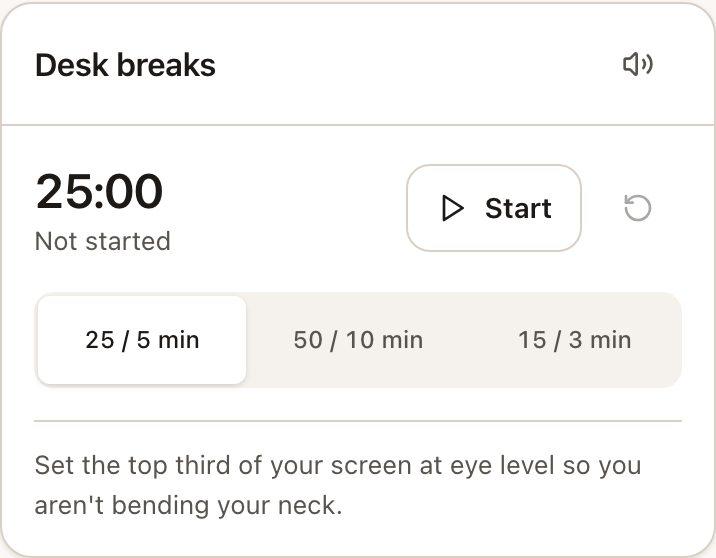
A focus timer that reminds you to move, with short posture resets.
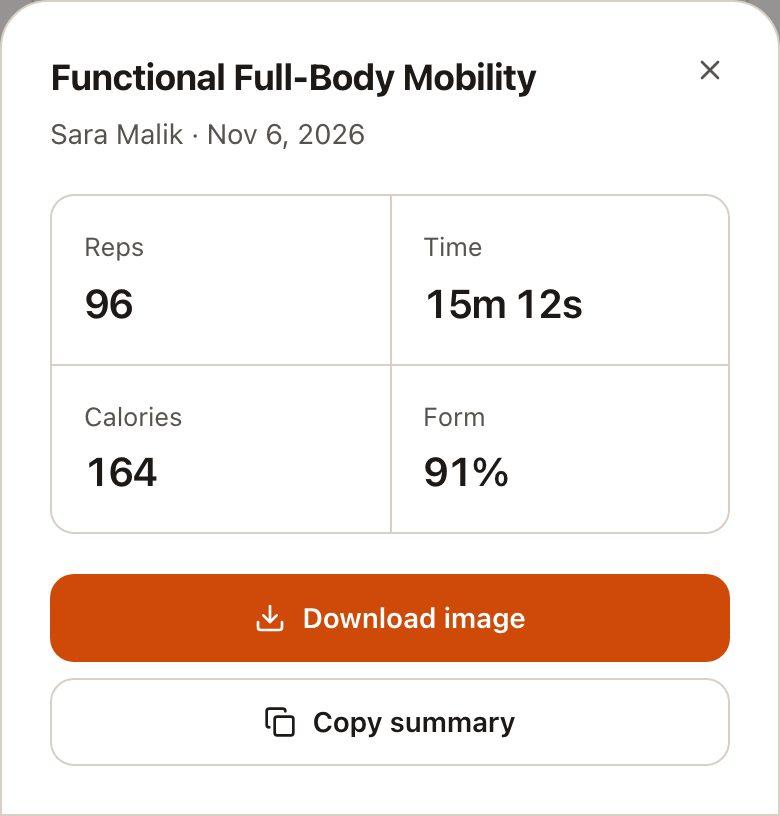
Turn a finished workout into a recap image, using your real numbers.
Light and dark modes, and a choice of accent colours.
No. Form check runs on your device, and video is never sent to our servers. Only the workout results you save reach your account.
No. Tell FitMate what you have, even if that's nothing, and it only picks exercises you can actually do.
Add what hurts and FitMate leaves out exercises flagged for that area. It's a fitness companion, not medical advice, so check with a doctor first.
That's fine. You can count reps by hand. FitMate simply won't show a form score for those sets, because it didn't measure them.
It can't promise that. It estimates a few angles from your phone's camera and gives you exercises and a way to track them over time. If you have pain, see a professional.
Yes. You can permanently delete your account and its data at any time from Profile and account.
Create an account and build your first routine in a couple of minutes.